Spring 事务 · AOP · SpringBoot Mybatis 综合案例 · 重点总结
整理自:10-SpringBootWeb_AOP.md + 10-AOP-tlias案例-01.xmind + 11-SpringBoot_Mybatis综合案例.md
一、Spring 事务管理 1.1 事务回顾
概念
说明
定义 一组操作的集合,作为不可分割的工作单位,要么全部成功,要么全部失败
三大操作 开启(begin/start transaction)、提交(commit)、回滚(rollback)
1.2 @Transactional 核心注解(⭐ 重点)
项目
说明
作用 方法执行前开启事务;正常结束提交事务;出现异常回滚事务
使用位置 方法 / 类 / 接口(一般加在 service 业务层方法 上)
底层 基于 Spring AOP 实现
1
2
3
4
5
6
7
8
9
10
11
12
13
14
15
@Service public class DeptServiceImpl implements DeptService { @Autowired private DeptMapper deptMapper; @Autowired private EmpMapper empMapper; @Override @Transactional public void delete (Integer id) { deptMapper.deleteById(id); int i = 1 /0 ; empMapper.deleteByDeptId(id); } }
1 2 3 4 logging: level: org.springframework.jdbc.support.JdbcTransactionManager: debug
1.3 @Transactional 两大属性 rollbackFor — 异常回滚类型
默认行为
自定义
默认只回滚 RuntimeException(运行时异常) @Transactional(rollbackFor = Exception.class) 让所有异常都回滚
1 2 3 4 5 6 7 @Transactional public void method () throws Exception { ... }@Transactional(rollbackFor = Exception.class) public void method () throws Exception { ... }
propagation — 事务传播行为
场景 :A 事务方法调用 B 事务方法时,B 方法是加入 A 的事务,还是新建事务?
传播行为
含义
使用场景
REQUIRED(默认)有事务则加入,无则新建 大部分场景
REQUIRES_NEW无论是否有事务,总是新建独立事务 不希望事务相互影响 (如:日志记录无论主事务成功失败都要保存)
SUPPORTS有事务则加入,无则在无事务状态运行
—
NOT_SUPPORTED不支持事务,挂起当前事务
—
MANDATORY必须有事务,否则抛异常
—
NEVER必须没有事务,否则抛异常
—
1
2
3
4
5
6
7
8
9
10
11
@Service public class DeptLogServiceImpl implements DeptLogService { @Transactional(propagation = Propagation.REQUIRES_NEW) @Override public void insert (DeptLog deptLog) { deptLogMapper.insert(deptLog); } }
⭐ 要求记住的两个传播行为 :REQUIRED(默认)和 REQUIRES_NEW(独立事务)
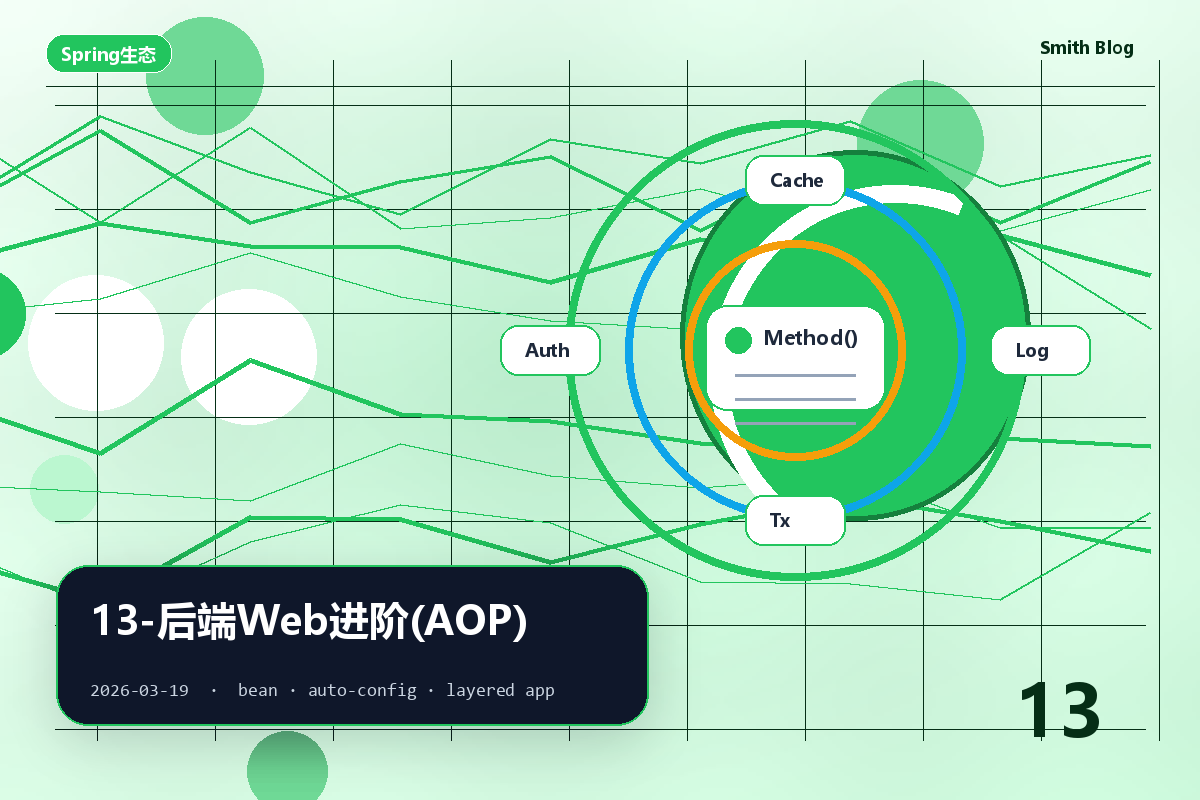
二、AOP 概述 2.1 核心概念
项目
说明
全称 Aspect Oriented Programming(面向切面/方面编程)
本质 面向特定方法 编程;在不修改源码基础上,对已有方法功能增强
底层实现 动态代理技术 (运行期为目标对象生成代理对象)
优势 减少重复代码、提高开发效率、维护方便、无侵入性(解耦)
2.2 AOP 五大核心概念(⭐ 必记)
概念
英文
说明
连接点 JoinPoint
可以被 AOP 控制的方法(暗含方法执行时的相关信息)
通知 Advice
共性功能(重复逻辑),最终体现为一个方法
切入点 PointCut
匹配连接点的条件(用切入点表达式描述)
切面 Aspect
通知 + 切入点 = 切面(被 @Aspect 标识的类是切面类)
目标对象 Target
通知所应用的对象(被增强的对象)
2.3 AOP 应用场景
场景
说明
记录系统操作日志
见后面综合案例
权限控制
—
事务管理 @Transactional 底层就是 AOP
性能监控
统计方法执行耗时
三、AOP 快速入门 3.1 引入依赖 1 2 3 4 <dependency > <groupId > org.springframework.boot</groupId > <artifactId > spring-boot-starter-aop</artifactId > </dependency >
3.2 入门:统计方法执行耗时 1 2 3 4 5 6 7 8 9 10 11 12 13 14 15 16 17 @Component @Aspect @Slf4j public class TimeAspect { @Around("execution(* com.kge.service.*.*(..))") public Object recordTime (ProceedingJoinPoint pjp) throws Throwable { long begin = System.currentTimeMillis(); Object result = pjp.proceed(); long end = System.currentTimeMillis(); log.info(pjp.getSignature() + " 执行耗时: {}ms" , end - begin); return result; } }
四、AOP 五种通知类型(⭐ 重点) 4.1 通知类型对比表
注解
时机
说明
@Around目标方法前后 都执行
最强大 ,需自己调 proceed() 执行原方法
@Before目标方法前 执行
—
@After目标方法后 执行
无论是否异常都执行 (类似 finally)
@AfterReturning目标方法返回后 执行
有异常不执行
@AfterThrowing目标方法抛异常后 执行
仅异常时执行
4.2 五种通知执行顺序 正常情况:
1 @Around 前 → @Before → 原方法 → @AfterReturning → @After → @Around 后
异常情况:
1 @Around 前 → @Before → 原方法(抛异常) → @AfterThrowing → @After
4.3 完整代码示例 1 2 3 4 5 6 7 8 9 10 11 12 13 14 15 16 17 18 19 20 21 22 23 24 25 26 27 28 29 30 31 32 33 34 35 36 37 @Slf4j @Component @Aspect public class MyAspect { @Pointcut("execution(* com.kge.service.*.*(..))") private void pt () {} @Before("pt()") public void before (JoinPoint jp) { log.info("before ..." ); } @Around("pt()") public Object around (ProceedingJoinPoint pjp) throws Throwable { log.info("around before ..." ); Object result = pjp.proceed(); log.info("around after ..." ); return result; } @After("pt()") public void after (JoinPoint jp) { log.info("after ..." ); } @AfterReturning("pt()") public void afterReturning (JoinPoint jp) { log.info("afterReturning ..." ); } @AfterThrowing("pt()") public void afterThrowing (JoinPoint jp) { log.info("afterThrowing ..." ); } }
⚠️ @Around 注意事项pjp.proceed() 让原方法执行Object,否则原方法返回值会丢失
五、通知顺序(@Order) 5.1 多切面执行顺序
默认情况
控制顺序
按切面类类名首字母排序
类上加 @Order(数字)
注解
前置通知
后置通知
@Order(1)(小)先 执行后 执行
@Order(3)(大)后 执行先 执行
1 2 3 @Slf4j @Component @Aspect @Order(1) public class MyAspect4 { ... }
六、切入点表达式 6.1 两种表达式
表达式
用法
适用场景
execution(...)根据方法签名 匹配
命名规范、方法多的场景
@annotation(...)根据注解 匹配
方法名无规则,要灵活控制时
6.2 execution 切入点表达式语法 1 execution(访问修饰符? 返回值 包名.类名.?方法名(方法参数) throws 异常?)
通配符
含义
*单个独立任意符号(一层包/一个参数/任意类名/任意方法名)
..多个连续任意符号(任意层级的包/任意个数任意类型的参数)
6.3 切入点表达式示例 1 2 3 4 5 6 7 8 9 10 11 12 13 14 15 16 17 18 19 20 21 22 23 execution(void com.kge.service.impl.DeptServiceImpl.delete(java.lang.Integer)) execution(* com.kge.service.impl.DeptServiceImpl.delete(java.lang.Integer)) execution(* com.kge.*.*.DeptServiceImpl.delete(java.lang.Integer)) execution(* com..DeptServiceImpl.delete(java.lang.Integer)) execution(* com..*.delete(java.lang.Integer)) execution(* com..*.*(..)) execution(* com.kge.service.impl.DeptServiceImpl.find*(..)) execution(* com.kge.service.DeptService.list(..)) || execution(* com.kge.service.DeptService.delete(..))
6.4 @annotation 切入点表达式 1 2 3 4 5 6 7 8 9 10 11 12 13 14 15 16 17 18 19 20 21 22 @Target(ElementType.METHOD) @Retention(RetentionPolicy.RUNTIME) public @interface MyLog {}@Service public class DeptServiceImpl { @MyLog public List<Dept> list () { ... } @MyLog public void delete (Integer id) { ... } } @Aspect @Component public class MyAspect { @Before("@annotation(com.kge.anno.MyLog)") public void before () { ... } }
6.5 表达式书写建议
建议
说明
命名规范
find*/update* 等前缀,便于切入点匹配
基于接口 DeptService.*(..) 而非实现类,便于扩展
缩小范围
包名尽量用 *,少用 ..
七、连接点(JoinPoint API) 7.1 两种连接点对象
对象
适用通知
ProceedingJoinPoint@Around 专用proceed() 方法)
JoinPoint其他四种通知(前置/后置/返回后/异常后)
7.2 常用 API
方法
作用
getTarget().getClass().getName()获取目标类名
getSignature().getName()获取方法名
getArgs()获取方法参数数组
proceed()(仅 ProceedingJoinPoint)执行原始方法 ,返回方法返回值
1 2 3 4 5 6 7 8 9 10 @Around("@annotation(com.kge.anno.MyLog)") public Object around (ProceedingJoinPoint pjp) throws Throwable { String className = pjp.getTarget().getClass().getName(); String methodName = pjp.getSignature().getName(); Object[] args = pjp.getArgs(); Object result = pjp.proceed(); return result; }
八、AOP 综合案例:操作日志记录 8.1 需求
将增删改接口的操作日志记录到数据库表,包括:操作人、操作时间、类名、方法名、参数、返回值、执行耗时。
8.2 实现思路
决策
选择
通知类型
@Around
切入点表达式
@annotation
8.3 完整代码 自定义注解:
1 2 3 @Target(ElementType.METHOD) @Retention(RetentionPolicy.RUNTIME) public @interface Log {}
业务方法标注:
1 2 3 4 5 6 7 8 9 10 11 12 @Service public class EmpServiceImpl implements EmpService { @Override @Log public void save (Emp emp) { ... } @Override @Log public void update (Emp emp) { ... } @Override @Log public void delete (List<Integer> ids) { ... } }
切面类(核心):
1 2 3 4 5 6 7 8 9 10 11 12 13 14 15 16 17 18 19 20 21 22 23 24 25 26 27 28 29 30 31 32 33 34 @Slf4j @Component @Aspect public class LogAspect { @Autowired private HttpServletRequest request; @Autowired private OperateLogMapper operateLogMapper; @Around("@annotation(com.kge.anno.Log)") public Object recordLog (ProceedingJoinPoint jp) throws Throwable { String jwt = request.getHeader("token" ); Claims claims = JwtUtils.parseJWT(jwt); Integer operateUser = (Integer) claims.get("id" ); String className = jp.getTarget().getClass().getName(); String methodName = jp.getSignature().getName(); String methodParams = Arrays.toString(jp.getArgs()); long begin = System.currentTimeMillis(); Object result = jp.proceed(); long costTime = System.currentTimeMillis() - begin; OperateLog logRecord = new OperateLog (null , operateUser, LocalDateTime.now(), className, methodName, methodParams, JSONObject.toJSONString(result), costTime); operateLogMapper.insert(logRecord); return result; } }
九、SpringBoot Mybatis 综合案例(tlias) 9.1 三层架构 + REST 风格设计
层
包
职责
Controller
controller接收请求、响应数据
Service / Impl
service业务逻辑处理
Mapper
mapper数据库访问
Entity
pojo实体类
REST 风格 URL 设计:
HTTP 方法
路径
操作
GET /depts—
查询所有
GET /emps/{id}—
根据 ID 查询
POST /depts—
新增
PUT /emps—
修改
DELETE /depts/{id}—
单条删除
DELETE /emps/{ids}—
批量删除(路径参数 1,2,3)
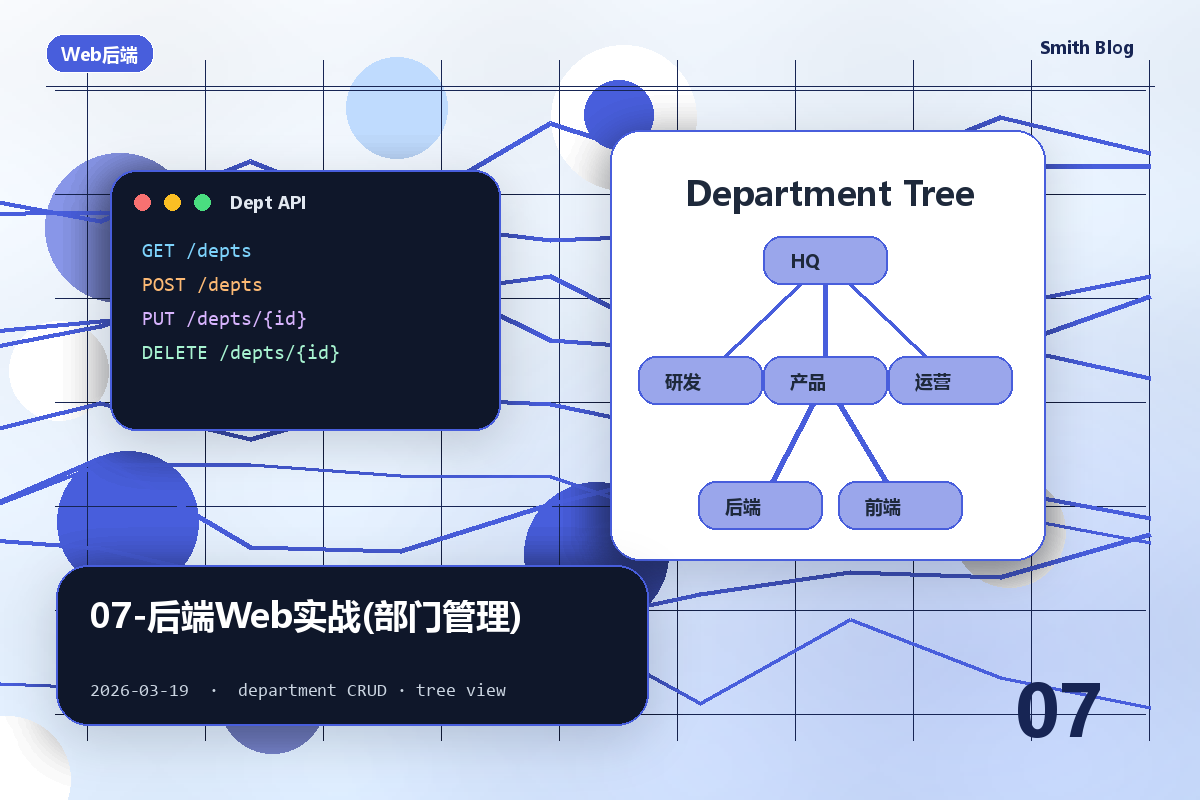
9.2 部门管理 CRUD(DeptController 完整代码) 1 2 3 4 5 6 7 8 9 10 11 12 13 14 15 16 17 18 19 20 21 22 23 24 25 26 @RestController @RequestMapping("/depts") public class DeptController { @Autowired private DeptService deptService; @GetMapping public Result list () { return Result.success(deptService.list()); } @PostMapping public Result save (@RequestBody Dept dept) { deptService.save(dept); return Result.success(); } @DeleteMapping("/{id}") public Result delete (@PathVariable Integer id) { deptService.delete(id); return Result.success(); } }
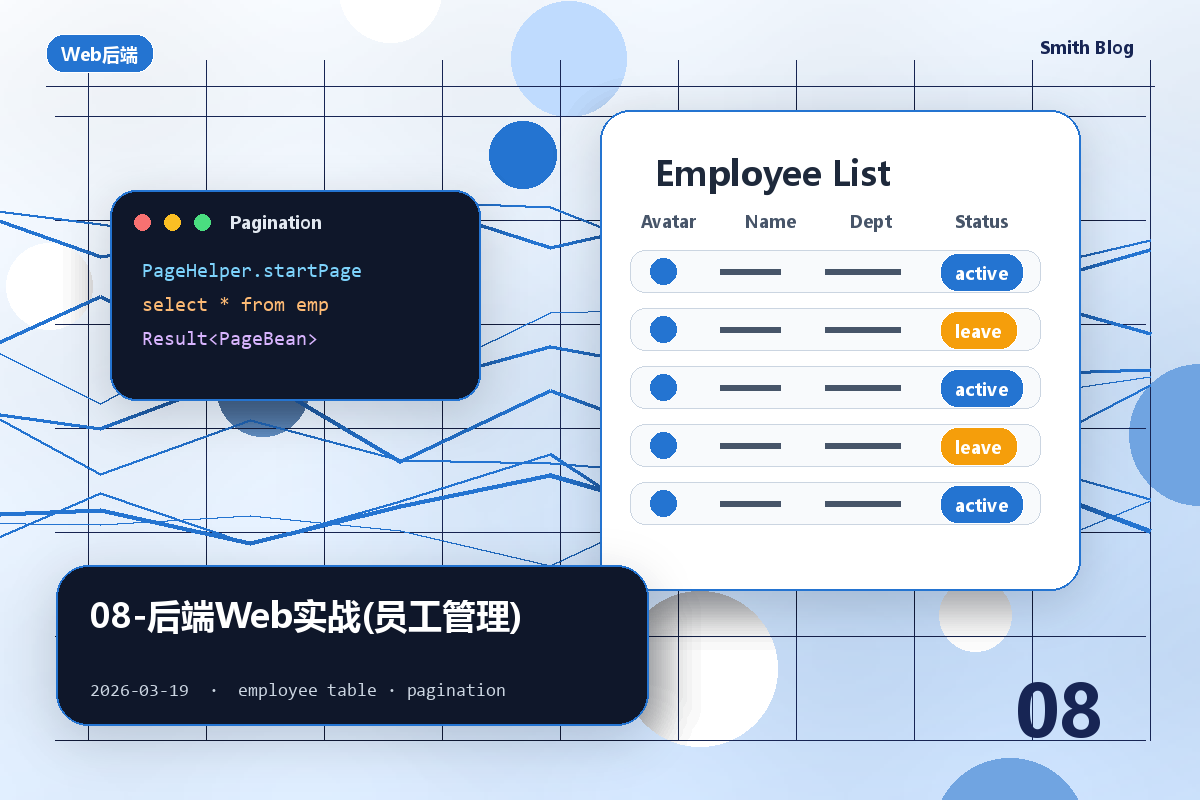
9.3 员工分页查询(PageHelper 插件 ⭐) 9.3.1 PageBean 通用分页对象 1 2 3 4 5 @Data @NoArgsConstructor @AllArgsConstructor public class PageBean <T> { private Long total; private List<T> rows; }
9.3.2 引入 PageHelper 起步依赖 1 2 3 4 5 <dependency > <groupId > com.github.pagehelper</groupId > <artifactId > pagehelper-spring-boot-starter</artifactId > <version > 1.4.2</version > </dependency >
9.3.3 手动分页 vs PageHelper 插件对比
对比项
手动分页
PageHelper 插件 ⭐
Mapper 写两个方法
count() + page(start, pageSize)只需写一个普通查询
计算起始索引
(page-1) * pageSize自动处理
适用场景
简单需求
企业开发主流
9.3.4 PageHelper 标准用法 1 2 3 4 5 6 7 8 9 10 11 12 13 14 15 16 17 18 19 @Service public class EmpServiceImpl implements EmpService { @Autowired private EmpMapper empMapper; @Override public PageBean page (Integer page, Integer pageSize, String name, Short gender, LocalDate begin, LocalDate end) { PageHelper.startPage(page, pageSize); List<Emp> empList = empMapper.list(name, gender, begin, end); Page<Emp> p = (Page<Emp>) empList; return new PageBean (p.getTotal(), p.getResult()); } }
9.3.5 Controller 层接收分页参数 1 2 3 4 5 6 7 8 9 10 11 12 13 14 15 16 17 18 @RestController @RequestMapping("/emps") public class EmpController { @Autowired private EmpService empService; @GetMapping public Result page ( @RequestParam(defaultValue = "1") Integer page, @RequestParam(defaultValue = "10") Integer pageSize, String name, Short gender, @DateTimeFormat(pattern = "yyyy-MM-dd") LocalDate begin, @DateTimeFormat(pattern = "yyyy-MM-dd") LocalDate end) { PageBean pb = empService.page(page, pageSize, name, gender, begin, end); return Result.success(pb); } }
9.4 动态条件查询 XML 1 2 3 4 5 6 7 8 9 10 11 12 13 14 15 16 <select id ="list" resultType ="com.itxg.pojo.Emp" > select * from emp <where > <if test ="name != null and name != ''" > name like concat('%', #{name}, '%') </if > <if test ="gender != null" > and gender = #{gender} </if > <if test ="begin != null and end != null" > and entrydate between #{begin} and #{end} </if > </where > order by update_time desc </select >
9.5 批量删除(路径参数) 1 2 3 4 5 6 @DeleteMapping("/{ids}") public Result delete (@PathVariable List<Integer> ids) { empService.delete(ids); return Result.success(); }
1 2 3 4 5 6 7 <delete id ="delete" > delete from emp where id in <foreach collection ="ids" item ="id" open ="(" close =")" separator ="," > #{id} </foreach > </delete >
9.6 BeanUtils.copyProperties
作用 :把 DTO 的属性值批量拷贝到实体对象,避免一行行 set。
1 2 3 Dept dept = new Dept ();BeanUtils.copyProperties(deptDto, dept); dept.setCreateTime(LocalDateTime.now());
注意点
说明
属性名
必须一致 (区分大小写)
类型
必须兼容
拷贝方向
(source, target) ← Spring 顺序
拷贝深度
浅拷贝 (引用类型共用)
十、综合速查 Spring 事务核心要点 1 2 3 4 5 @Transactional → 默认只回滚 RuntimeException rollbackFor=Exception → 所有异常都回滚 propagation: REQUIRED → 默认值,有则加入无则新建 REQUIRES_NEW → 始终新建独立事务(如:日志保存)
AOP 五种通知速记 1 2 3 4 5 @Around ⭐ 最强大,前后都执行(需 proceed() + Object 返回值) @Before → 目标方法前 @After → 目标方法后(无论异常都执行) @AfterReturning → 正常返回后(异常不执行) @AfterThrowing → 异常抛出后
切入点表达式选型 1 2 方法名规范、批量匹配 → execution 方法名无规则、灵活 → @annotation + 自定义注解
PageHelper 三步法 1 2 3 ① PageHelper.startPage(page, pageSize) 设置分页参数 ② mapper.list(...) 执行普通查询 ③ (Page<Emp>) empList → getTotal/getResult 获取分页结果
REST 风格 URL 速查 1 2 3 4 5 GET /emps 查询所有 GET /emps/{id} 按 ID 查询 POST /emps 新增(@RequestBody) PUT /emps 修改(@RequestBody) DELETE /emps/{ids} 批量删除(@PathVariable)
项目开发流程 1 2 查询页面原型 → 阅读接口文档 → 思路分析 → 接口开发 → Postman 接口测试 → 前后端联调测试